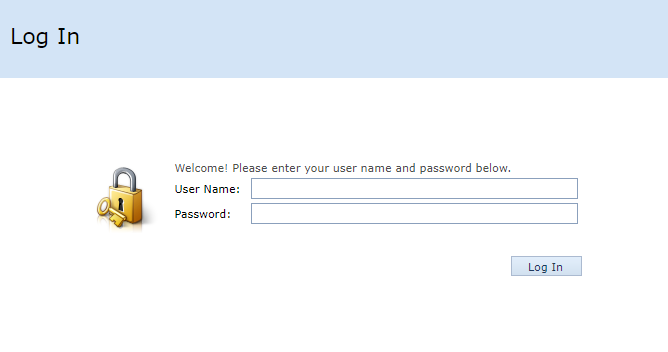
Logging into the Server Portal to set up the system for BI-One on Cloud and BI-One on Mobile, which
is reserved for Admin users only. There are two ways to access the portal:
Logging into the Server Portal to set up the system for BI-One on Cloud and BI-One on Mobile, which
is reserved for Admin users only. There are two ways to access the portal:
1. Access the Server Portal directly via the web browser by opening browsers such as Google Chrome
or Microsoft Edge. Then enter the URL.
https://bione.newitcorp.com/server
2. Access directly through the Admin Portal button which is located within the Tab General Setting
in the section of the Administrator.


Once on the site, you will see the Login page where Username and Password should be entered and then click the Log In button.